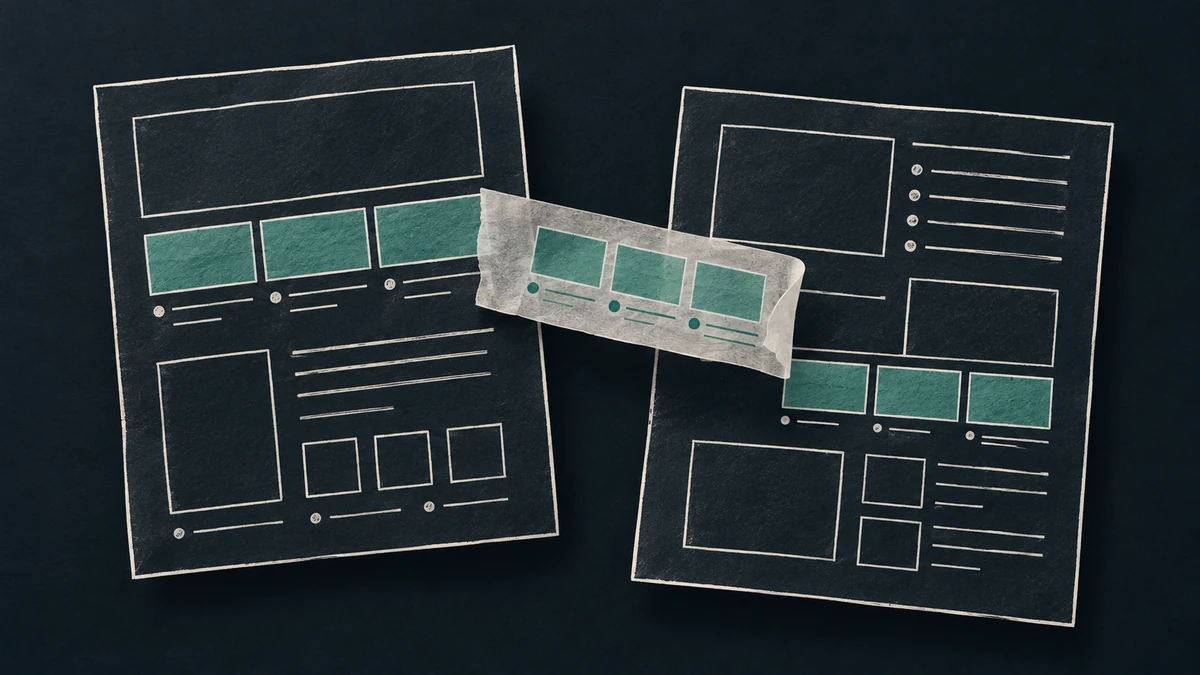
The research started with Mobbin, a library of real product screenshots and flows that I already had access to. From there, the question expanded: what else was worth considering for AI-assisted design? As other options surfaced, we looked at their competitors too. The decision was what, if anything, to add to the existing setup.
A feature comparison could describe the options. To investigate whether additions helped the actual work, we ran a small bake-off: the existing setup, that setup with Mobbin references, and those inputs with selected additional design guidance. Other candidates remained research-only. The trials did not establish a winning tool.
One useful finding came earlier, while choosing what to give the agents. A screenshot contains decisions about color, type, navigation, and the arrangement of information. Which of those decisions should influence your product? Access to a larger library doesn’t answer that question.
Before asking for a revision, write what problem each reference helps solve, which part you want to borrow, and what must stay specific to your product. You can then review a concrete design choice instead of deciding whether the result has the right general resemblance.
A calendar answered the wrong scheduling question
The test product was a prototype for running sports tournaments. Its organizer needed to see what was happening on each court, what match came next, and which team had a work assignment. The design question concerned several activities happening at once.
The first Mobbin search asked for a “schedule calendar with multiple resource columns and appointments showing status and time.” It returned a calendar and an appointment-booking screen.
The calendar showed dates across several weeks. That is useful for finding when something happens. It offered little help with comparing the current activity, next match, and staffing of several courts during play.
A later search asked for a “dense operations table showing item names status assignee and upcoming tasks.” It returned task-management screens. One example placed task names, assigned people, due dates, and priorities in aligned rows. That offered a more relevant arrangement to examine, even though the product had nothing to do with sports.
This was a judgment about the returned examples. The search wording and search mode both changed, so the comparison does not isolate why the second search returned a better fit. It also does not establish that a task table is the right final design for the tournament product.
What it supplies is a useful search tactic: describe the information the person must compare. “Schedule” was too broad to settle which kind of schedule would help.
Tell the agent which part should transfer
The task-management reference still needed interpretation. Importing its project folders, priority system, or sidebar would have added concepts the tournament organizer had not asked for. The useful candidate was the arrangement that kept an item and its related facts close enough to scan together.
A brief for testing that arrangement could read:
The organizer needs to compare courts during play. Use this task table as a reference for keeping related facts aligned. Explore a row for each court with its current match, next match, and assigned working team. Preserve the tournament’s existing colors, terminology, and navigation. Do not add task priorities or project-management controls. Show the result with realistic court data at desktop and phone sizes so we can judge whether the arrangement still helps.
That is a proposed next experiment, not an implementation this study proved successful. The brief makes the intended use explicit. A reviewer can check whether the revision followed it and whether the arrangement helps in its new context.
Sometimes the reason for choosing a reference is visual character. You may want its restrained use of color or the way its typography establishes hierarchy. Name that purpose too. The instructions should explain which visual choices to explore and which parts of your product’s layout and behavior should remain unchanged.
Keep the reference only if you can explain its use
Before adding another screenshot to an agent’s context, answer these questions:
- What decision should this example help the person make?
- Which visible arrangement helps with that decision?
- What belongs to the source product and should stay there?
- What would you inspect in the revision to decide whether the idea transferred?
If the answers are only “it looks polished” or “it’s a successful app,” you still have a reference to study. You haven’t yet supplied a reason to implement it. A screenshot of another product cannot establish that its design caused that product’s success.
The study did not demonstrate that adding references improved the generated application. Some runs timed out, and one attempt credited reference images it had never opened. Even supplying images directly established delivery without proving their influence. A packet of relevant examples remains an input to test.
Choose one screen you are working on and one reference. Write the borrowing instructions beside the reference before asking the agent to change the screen.