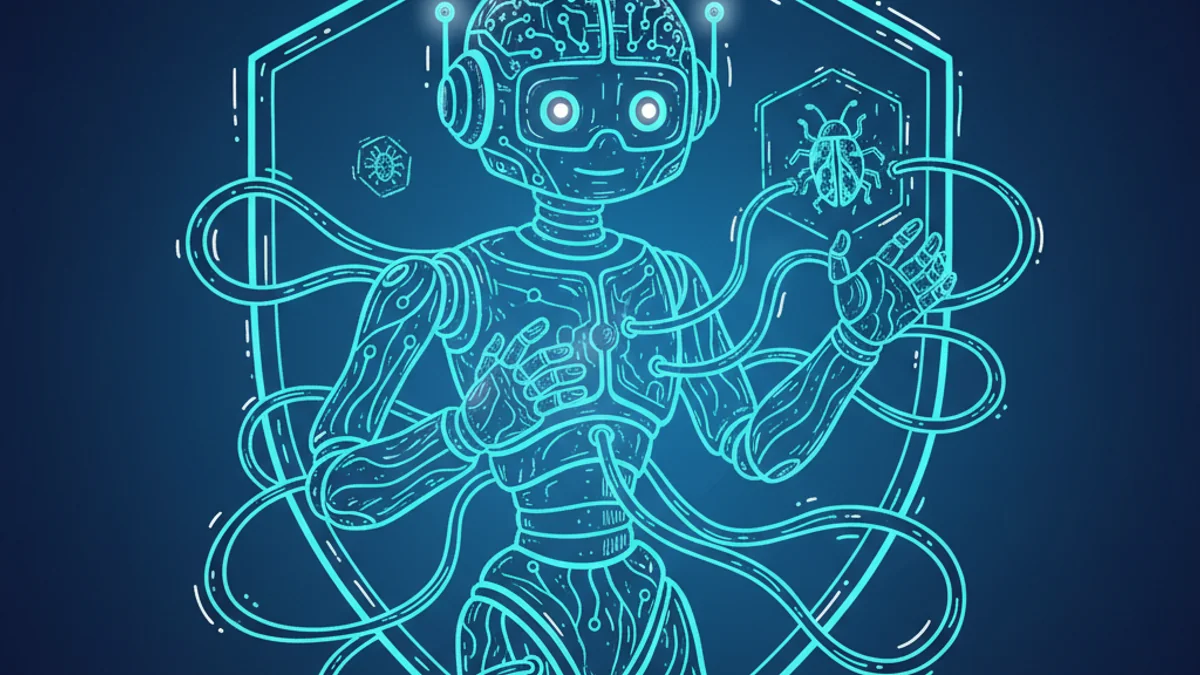
Designing AI-Enforced Safeguards for Development
After a few bugs slipped past my AI assistant, I redesigned the system to make safeguards automatic.
Nino Chavez
Product Architect at commerce.com
This isn’t magic. It’s thoughtful infrastructure.
After a few bugs slipped past my AI assistant, I paused and asked: “We’ve got docs, scripts, and checks… but which ones do I have to remember? Which ones does AI already know to run? And how many are just silently tucked into other commands?”
That turned into a real system redesign.
The Problem
149+ scattered NPM scripts. 4 inconsistent entry points: manual commands (npm run pre-deploy, etc.), AI-invoked checks (“Run the CORS validator”), auto-enforced (lint-staged, pre-commit), and hidden triggers (nested pre-* scripts).
Unclear boundaries. Easy to forget. Drift waiting to happen.
The Solution
One entry point: npm run safeguard --ai-mode
This command detects what kind of task is running, runs only relevant safeguards based on risk-based logic, outputs structured results for AI or human review, auto-fixes common issues, and stops the task if needed—or continues cleanly.
I also added --verify for post-task enforcement.
The Workflow
Every feature starts like this:
npm run safeguard --ai-mode- AI decides which checks apply
- If broken → auto-fix or explain
- If clean → proceed with implementation
- After completion →
--verifyto confirm
Not a hypothetical. Not a vibes-based system. This runs in production.
The Shift
This is part of a bigger transition I’m chasing: from AI assistance to AI enforcement. Real safety nets. Real repeatability. So I can move faster without racking up tech debt.
I’m still tuning the risk-based logic—figuring out which safeguards are worth the overhead and which create more friction than they prevent. But the core insight feels right: if a check matters, it shouldn’t depend on me remembering to run it.


Originally Published on LinkedIn
This article was first published on my LinkedIn profile. Click below to view the original post and join the conversation.
View on LinkedIn