Skip the Steps
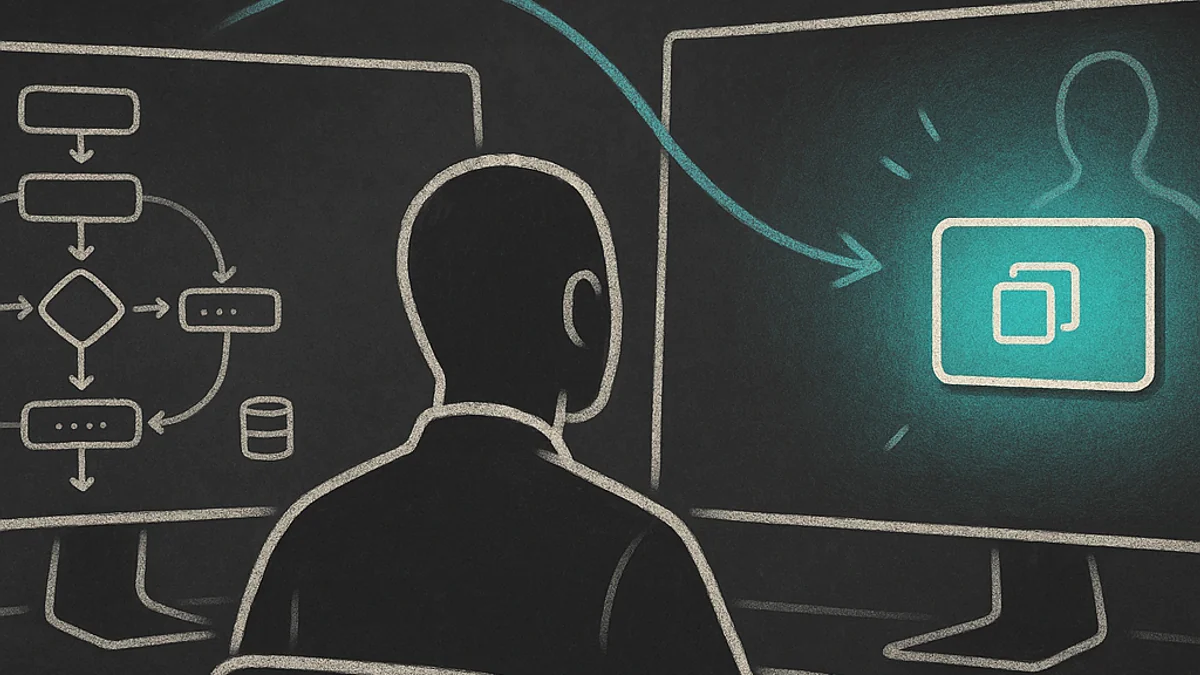
Supabase added a 'Copy prompt' button that bypasses their entire setup guide. It's a small UI change that reveals a big design shift — and it pushed me from 'context engineering' to 'probability engineering' as the real frame for agent-native tooling.
Nino Chavez
Product Architect at commerce.com
I was connecting a new project to Supabase last week when I noticed something different in their dashboard. Above the usual step-by-step setup guide — install the package, add env vars, create the client helper — there was a new card.
A green badge: SKIP THE STEPS.
“Prompt your agent. Copy a prompt with everything your agent needs to connect your app for you.”
One button. Copy prompt. Done.
The step-by-step guide was still there, underneath, for humans who wanted it. But the hierarchy had flipped. The agent path was on top. The human path was the fallback.
The Quiet Inversion
This isn’t a product announcement. It’s a design decision that tells you where the industry thinks the primary user is going.
Supabase looked at their own setup flow — install, configure, wire up middleware, handle session refresh — and decided that the thing most likely to execute those steps isn’t a developer reading docs. It’s an agent receiving a structured prompt from a developer who said “connect my app to Supabase.”
The human doesn’t need to understand the sequencing. They need to trust the agent and review the result.
That framing hit differently because I’d just spent a week building something similar — not for a database connection, but for a brand design toolkit.
What “Ask the Human” Looks Like
I’ve been building a CLI tool called brand-forge — a design agency in a terminal. One JSON schema defines everything about a brand: colors, typography, voice, spacing. Exporters turn that schema into CSS tokens, Tailwind presets, Figma files, branded media assets. AI generators propose creative options — palette, fonts, identity — and the human approves before anything locks in.
The tool works. But when I pointed an AI agent at the repo, it immediately got lost.
Not because the documentation was bad. The README was thorough. The CLI had good --help output. The architecture docs had Mermaid diagrams. By every traditional measure, this was a well-documented project.
The problem was the agent didn’t know what I wanted. It could read the docs and figure out the capabilities. But without knowing which brand kit I was working on and what task I needed, it just started… guessing. Running commands with default flags. Making assumptions that were technically valid but contextually wrong.
So I added a section to the top of the project’s AGENTS.md file — a structured prompt template that any agent should present to the human before doing anything:
I've loaded the brand-forge project. To help you, I need:

1. Which brand kit?
   Available presets: 630volleyball, flickday, signal-dispatch...

2. What do you want to do?
   - Create a new brand from scratch
   - Generate creative proposals (palette, fonts, voice)
   - Export to a format (CSS, Tailwind, Figma, Markdown)
   - Render media (social card, flyer, favicon)
   - Full asset package
   - Review/validate an existing kit
   - Something else?
The agent reads this, asks me two questions, gets two answers, and then knows exactly what to do. No doc interpretation. No inference from file structure. Just: which brand, what task.
A Spectrum, Not a Binary
Once I started looking for this pattern, I saw it everywhere — and I noticed that tools sit on a spectrum of how well they work with agents as the primary operator.
Agent-hostile. No docs, no schema, implicit conventions. The tool assumes a human who already knows how it works. An agent pointed at this will hallucinate flags and break things.
Agent-readable. Good documentation that an agent can interpret. Most well-maintained open source projects live here. The agent reads the README, infers the workflow, and usually gets it right. Usually.
Agent-friendly. Structured files like AGENTS.md or CLAUDE.md that give agents explicit rules, boundaries, and context. The agent doesn’t need to interpret — it has a contract. Claude Code’s hook and skill system works this way. Pattern-match on file operations, inject the relevant context, skip the doc-reading entirely.
Agent-native. Pre-built prompt payloads, disambiguation protocols, validation commands embedded in the output. The agent receives a self-contained instruction set. Supabase’s “Copy prompt” button. A hypothetical npx brand-forge agent-prompt --kit flickday --task export that emits everything an agent needs in one block — kit context, available actions, constraints, and the commands to validate the result.
The difference between “agent-friendly” and “agent-native” is the difference between giving someone a well-organized manual and handing them a mission briefing. The manual is complete. The briefing is actionable.
The Economics of Who’s Reading
Here’s the part I keep circling back to.
Supabase’s setup guide was fine. Clear steps, code snippets, multiple frameworks covered. A human could follow it in ten minutes. But a human following a guide is a human doing mechanical work. Copy this line. Paste it there. Create this file. Add these variables.
That’s exactly the kind of work agents are good at. Sequenced, deterministic, context-dependent but not judgment-dependent.
So the real question isn’t “can agents follow our docs?” It’s: who are we writing the interface for?
If your primary user is a human developer, a step-by-step guide with code snippets is the right format. If your primary user is an agent acting on behalf of a human developer, a structured prompt with context, constraints, and validation is the right format.
And increasingly, it’s the second one.
Not because humans have disappeared from the workflow. Because the human’s role shifted. They went from operator — executing steps in sequence — to director — stating intent and reviewing output. The Supabase button makes this literal: “Skip the steps. Prompt your agent.”
The question isn’t “what context does the agent need?” It’s: what do I need to give it to increase the statistical likelihood of the outcome I want?
Not Context Engineering. Probability Engineering.
I’ve been calling this work “context engineering” — and so has everyone else. Give the agent the right context and it produces the right output. But that framing is too clean. It implies a deterministic relationship between input and output that doesn’t actually exist.
What’s really happening is probability manipulation.
Each layer of that spectrum isn’t adding knowledge. It’s shifting odds. An agent pointed at an agent-hostile tool might produce the right output — it’s stochastic, so anything’s possible — but the probability is low. Add good docs (agent-readable) and the probability goes up. Add structured rules (agent-friendly) and it goes up more. Add a pre-built prompt payload (agent-native) and you’ve compressed the probability space to something that approaches determinism.
I recently tore down and rebuilt an app from scratch after several months of not doing that kind of greenfield work. Even with careful planning — CLAUDE.md files, structured prompts, the whole toolkit — the agent still went off the rails under the surface. Things looked right. They compiled. But the architectural decisions drifted in ways I didn’t catch until I stepped back and audited the whole thing.
That experience forced a reframe. The question isn’t “what context does the agent need?” It’s: what do I need to give it to increase the statistical likelihood of the outcome I want?
There’s a line in Scott Adams’ God’s Debris that’s been rattling around my head since: “Probability is a force that can be harnessed and manipulated.” He was being philosophical — talking about it the way you’d talk about energy or gravity. But in the context of agentic tooling, it’s operational advice.
Every design decision in the agent-native spectrum is a probability lever:
- Listing presets explicitly instead of saying “check the directory” — eliminates a file-scan step where the agent might pick the wrong file
- Stating “all colors are
#rrggbb” — prevents the LLM’s instinct to use named colors or shorthand - Generating the prompt from the schema instead of hand-writing it — eliminates the probability of drift between what the tool can do and what the agent thinks it can do
- Including validation commands in the payload — creates a self-check loop that catches errors before the human reviews
None of these guarantee the right outcome. They shift the odds. And shifting odds consistently, across every interaction surface, is what separates tools that agents can use from tools that agents reliably use.
The Uncomfortable Part
I should be honest about what this costs.
Agent-native design means maintaining two interfaces. You still need the human-readable docs — not everyone uses agents, and agent prompts need to be debuggable by humans. But now you also need the structured prompt surface: the disambiguation protocol, the context payloads, the validation hooks.
And those two interfaces can drift.
I’ve already seen it in brand-forge. I added a new export format — Figma tokens — and updated the CLI, the docs, and the test suite. But I forgot to update the “Ask the Human” prompt template in AGENTS.md. So agents pointed at the repo didn’t know the Figma export existed, even though the tool could do it.
The fix is obvious in retrospect: generate the prompt from the same schema that validates the tool. If the BrandKit schema knows about Figma tokens, the agent prompt should too. One source of truth, two surfaces.
But “obvious in retrospect” is another way of saying “I had to get it wrong first.”
Where This Goes
Supabase isn’t going to be the last tool to put the agent path above the human path. The pattern is too obvious and the economics are too clear. If your setup flow is a sequence of deterministic steps, the agent should be the one executing them.
What’s less clear is what happens to the human knowledge that used to accumulate through those steps.
When I set up Supabase projects by hand — reading the guide, creating the client, configuring middleware — I built a mental model of how the pieces fit. Session refresh. Row-level security. The relationship between server.ts and client.ts. That understanding came from doing the mechanical work. Not efficiently, but educatively.
The “Copy prompt” button skips all of that. The agent connects the project correctly, and the human approves a diff they may not fully understand.
Sound familiar? It’s the sequencing problem again. The tool arrives before the understanding. The grind that produces judgment gets optimized away.
I don’t think the answer is to reject agent-native design. The efficiency gains are real. But I think the design obligation is to make the agent’s work inspectable — to build prompt payloads that include not just instructions but explanations. Not just “create this file” but “this file handles session refresh because Supabase auth tokens expire.”
The agent does the work. The human gains the understanding. Both paths stay open.
The Build
This post is the argument — why agent-native tooling matters and what the design tradeoffs are. The companion tutorial walks through the actual implementation: Make Your CLI Agent-Native in Three Layers — AGENTS.md for orientation, CLAUDE.md for rules, and an agent-prompt command that generates structured payloads from your tool’s own schema.
The theory without the build is just talk.